Everyday shop work,
in one place.
From the first scan to the evening figures. Every feature has a clear status, so you know what you can use today.
Sell fast
A queue, a scanner, one hand free.
- Type 3*egg, scan a barcode, or enter grams or ৳50 of rice. Park a cart when another customer comes first.
- Split cash, bKash, Nagad, card, bank and credit. See change and stock warnings before you pay.
- Print 80 mm, A5 or A4 receipts, save a PDF or open WhatsApp sharing.
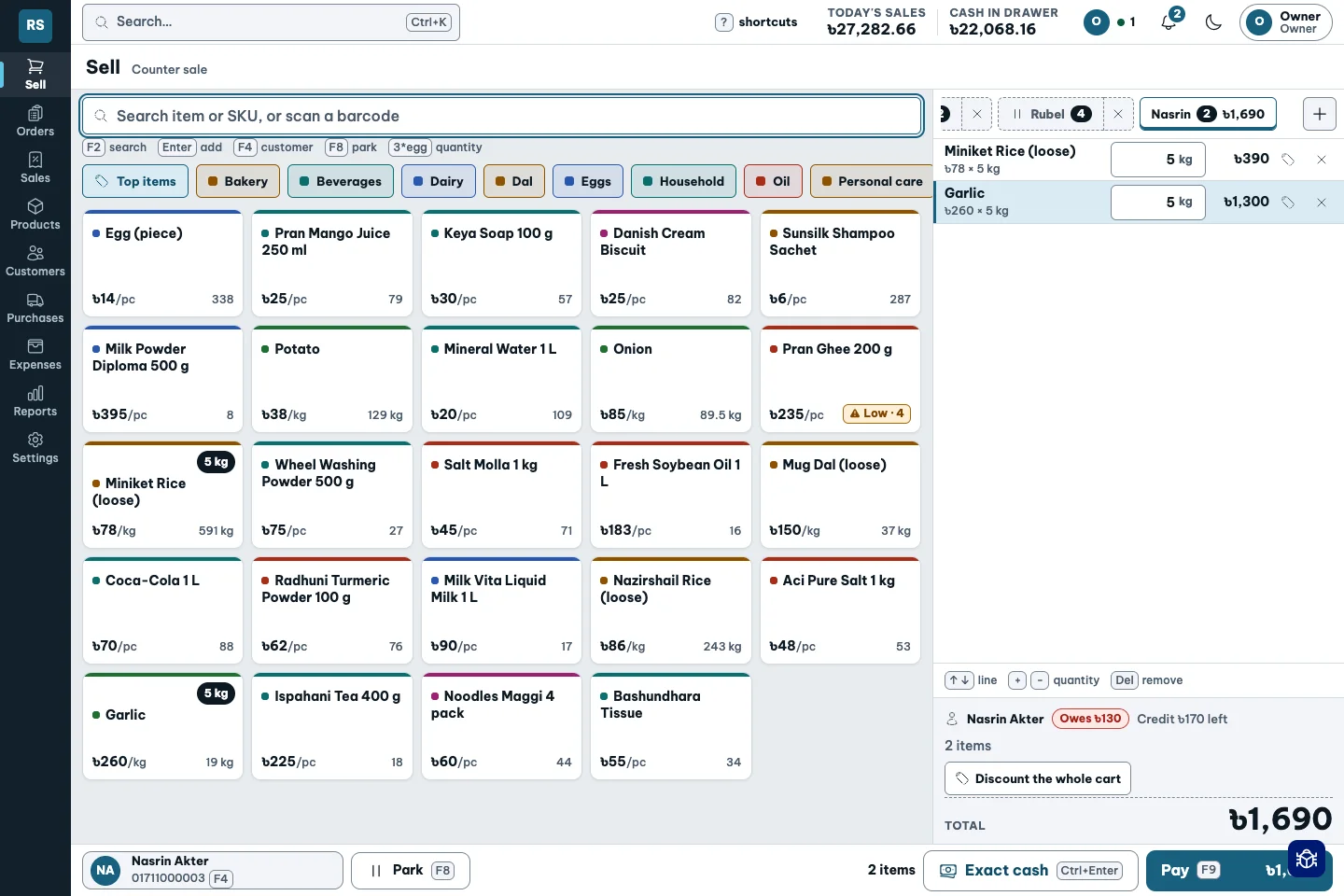
The shop never waits for the software.
Weigh-and-pour
Sometimes the customer asks for grams. Sometimes for ৳50.
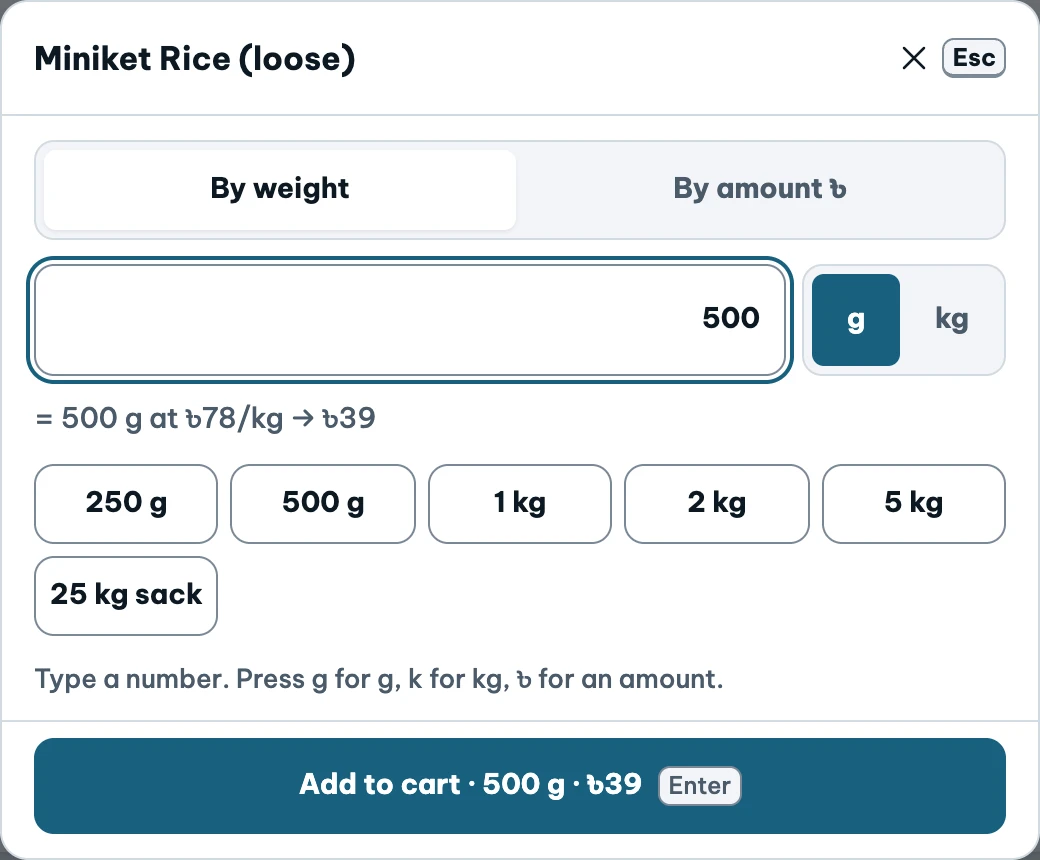
- Enter a weight in grams or kilos.
- Enter an amount, such as ৳50 of rice, and see the calculated weight.
- Keep the quantity, selling price and stock movement together.
The same rice, two ways to buy. See the weight and total before adding anything to the cart.
“500 grams, please.”
“৳50 worth, please.”
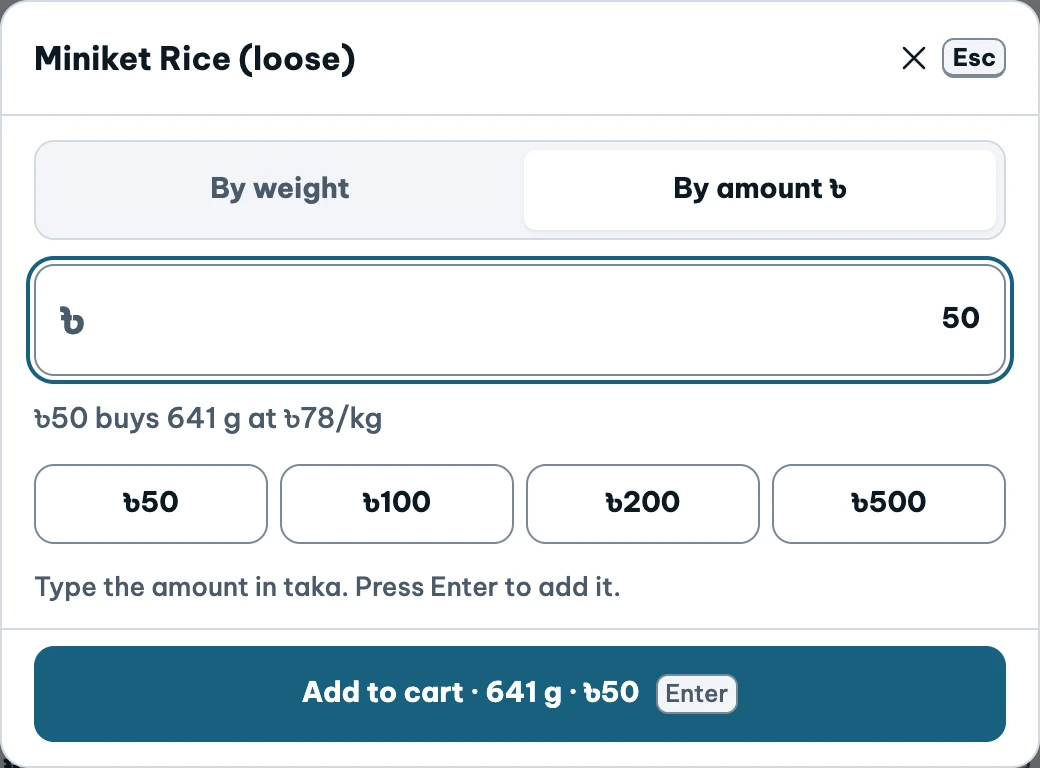
Actual demo modals · values entered for preview only · tap to enlarge ↗
Let the counter do the conversion.
Sacks to kilos
You buy a sack. Your customer buys a kilo.
- Name a pack and give it its own rate: 25 kg sack, 5 kg bag, or loose kilo.
- The cart switches to the pack rate at the pack quantity.
- Read stock as sacks plus loose weight; receive goods by the sack too.
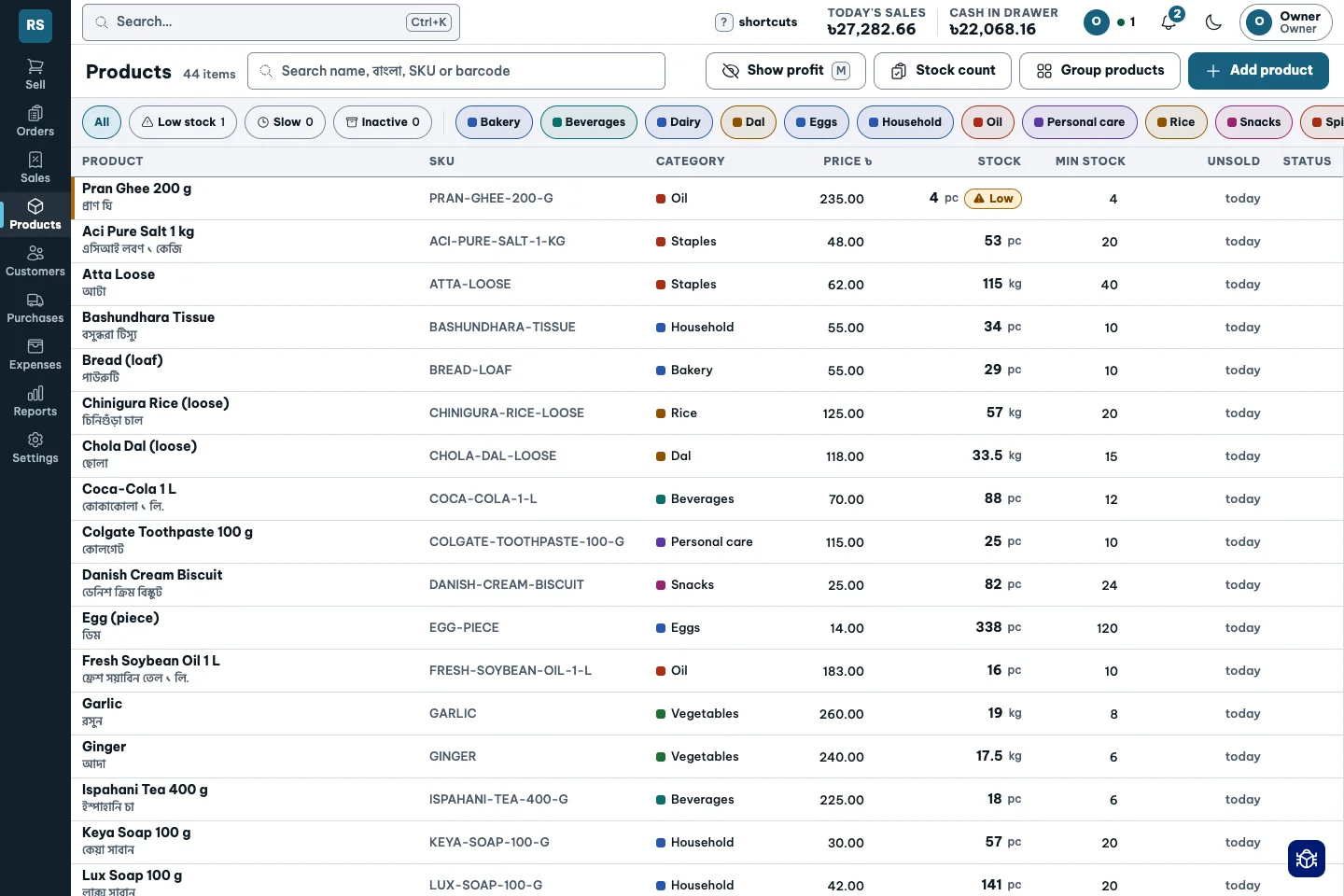
The same rice. Two price tags that switch on by themselves.
One shelf. Two rates.
Try the quantity. Loose rice is ৳78/kg. A full 25 kg sack is ৳1,700.
2 kg until the full-sack rate.
Interactive illustration, not a live product cart.
Discounts under control
A discount should have a reason and a name.
- Set limits by role and person, with money caps per sale and per day.
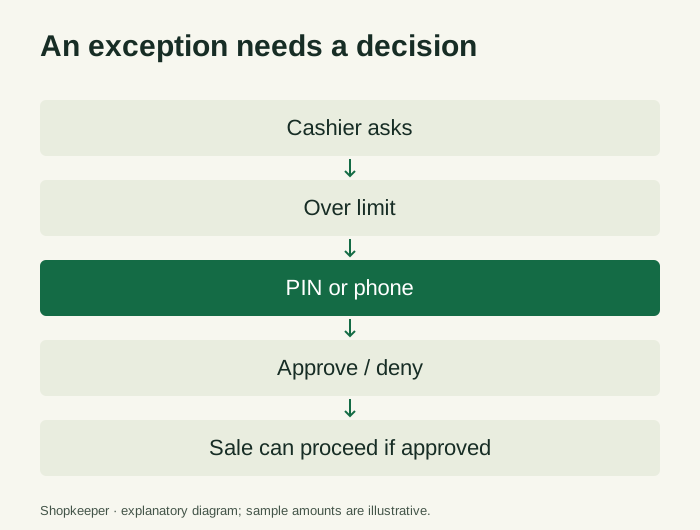
- Over-limit and below-margin sales wait for a PIN or approval on the owner’s phone.
- See alerts for large discounts and repeated discounts to the same customer.
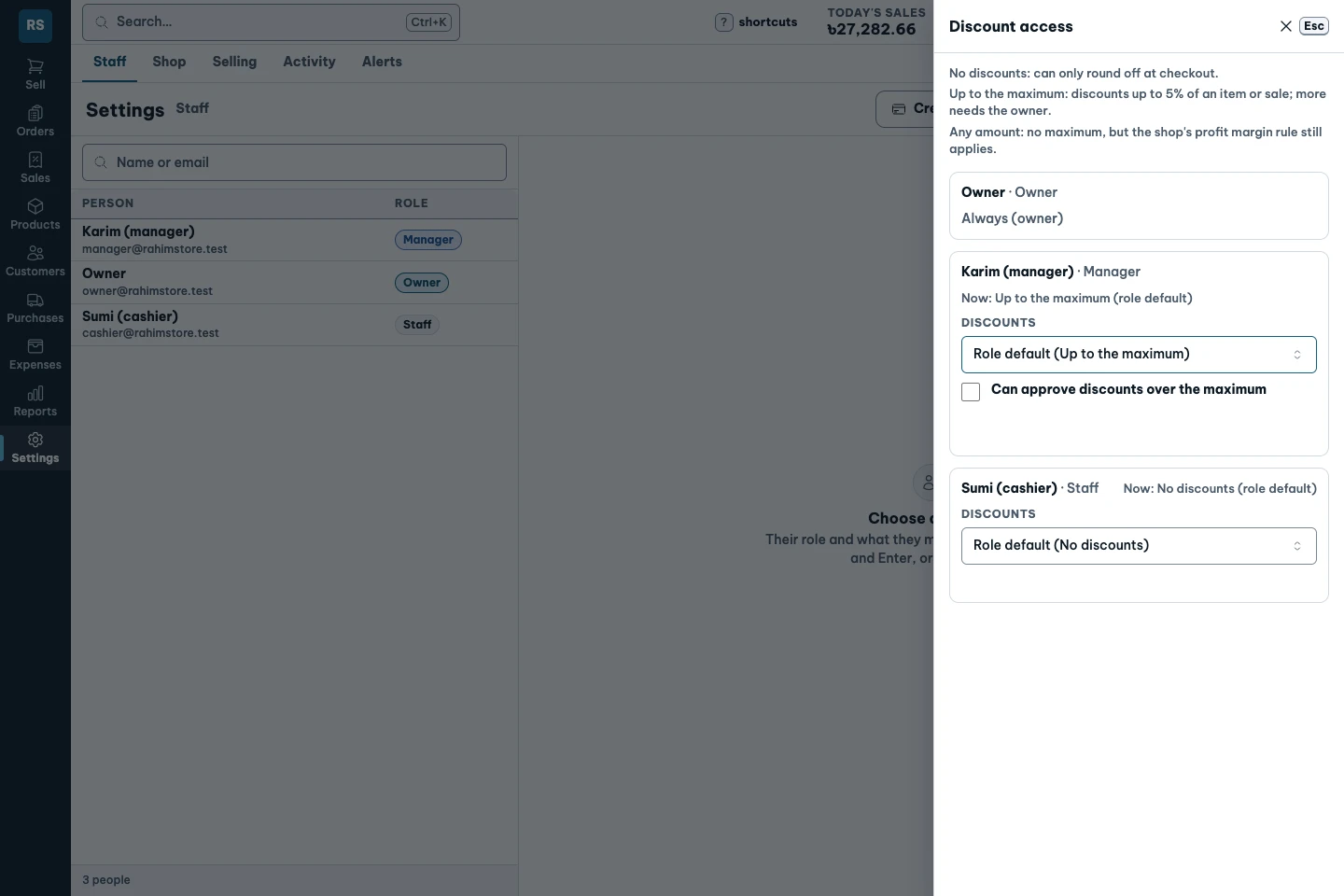
Your staff can be generous. You decide how far.
An exception needs a decision.
Tax set once
Receipts and returns should use the same rules.
- Choose no tax, VAT included in the price, or VAT added to the price.
- Show the configured tax on the receipt.
- Returns reverse the tax recorded on the original sale.
Every receipt and every return follows your setting.
Credit, dues, deposits
Who owes you, how much, and for how long?
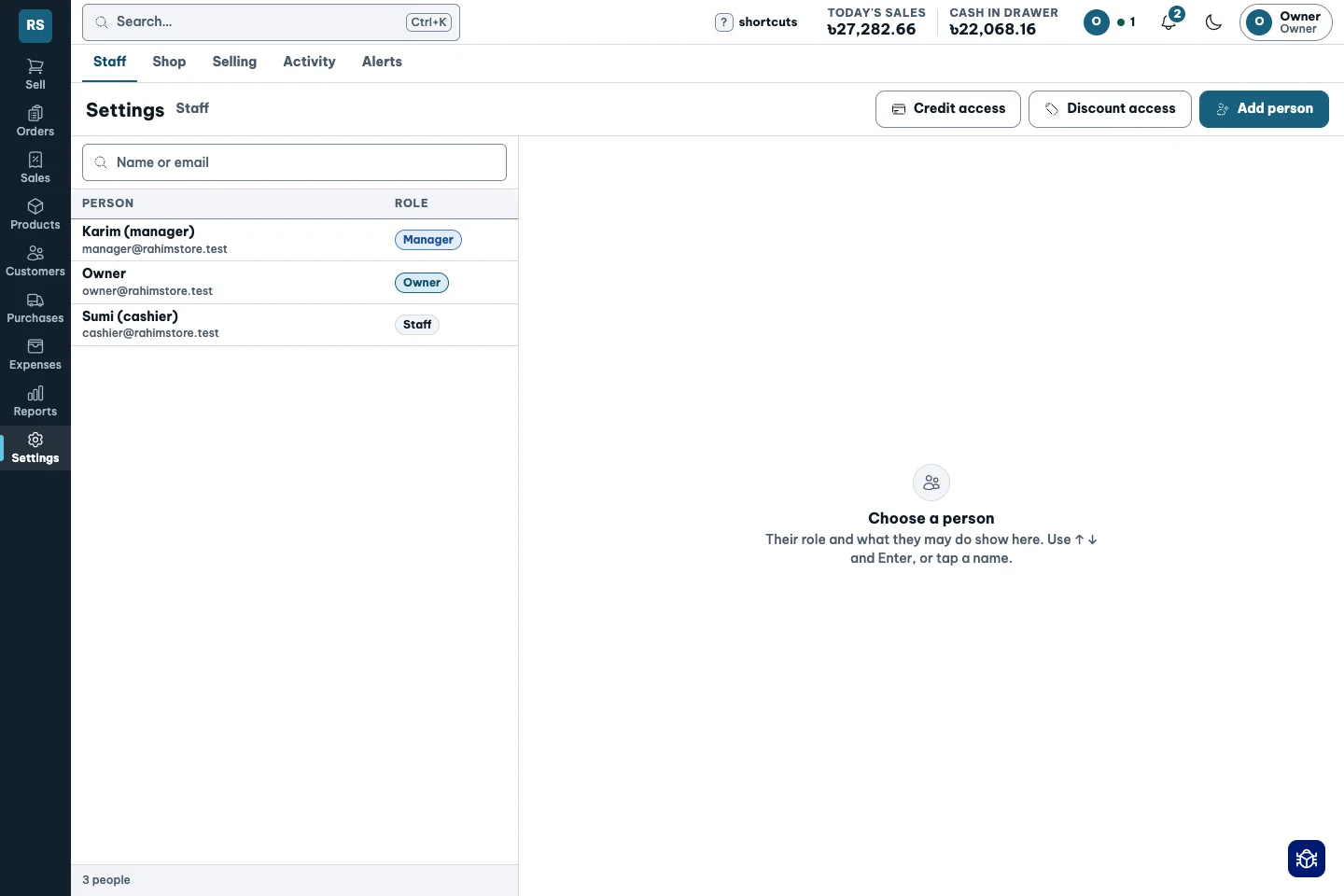
- Set a credit limit and due date. Flag over-limit sales for approval.
- Collections settle the oldest dues first. Keep advances separate from what is owed.
- Open a WhatsApp dues reminder and issue a deposit slip.
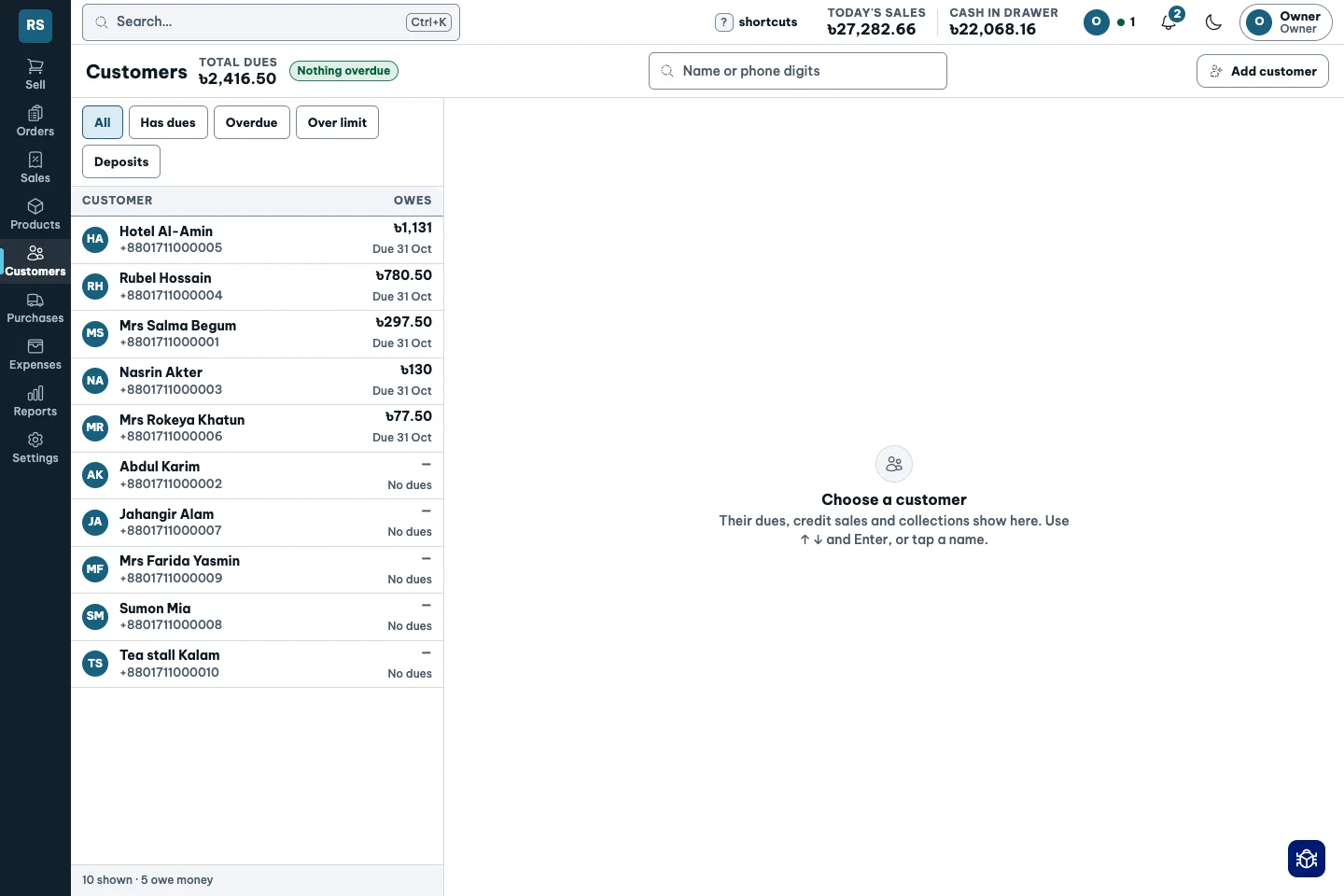
The lender’s ledger that never loses a page.
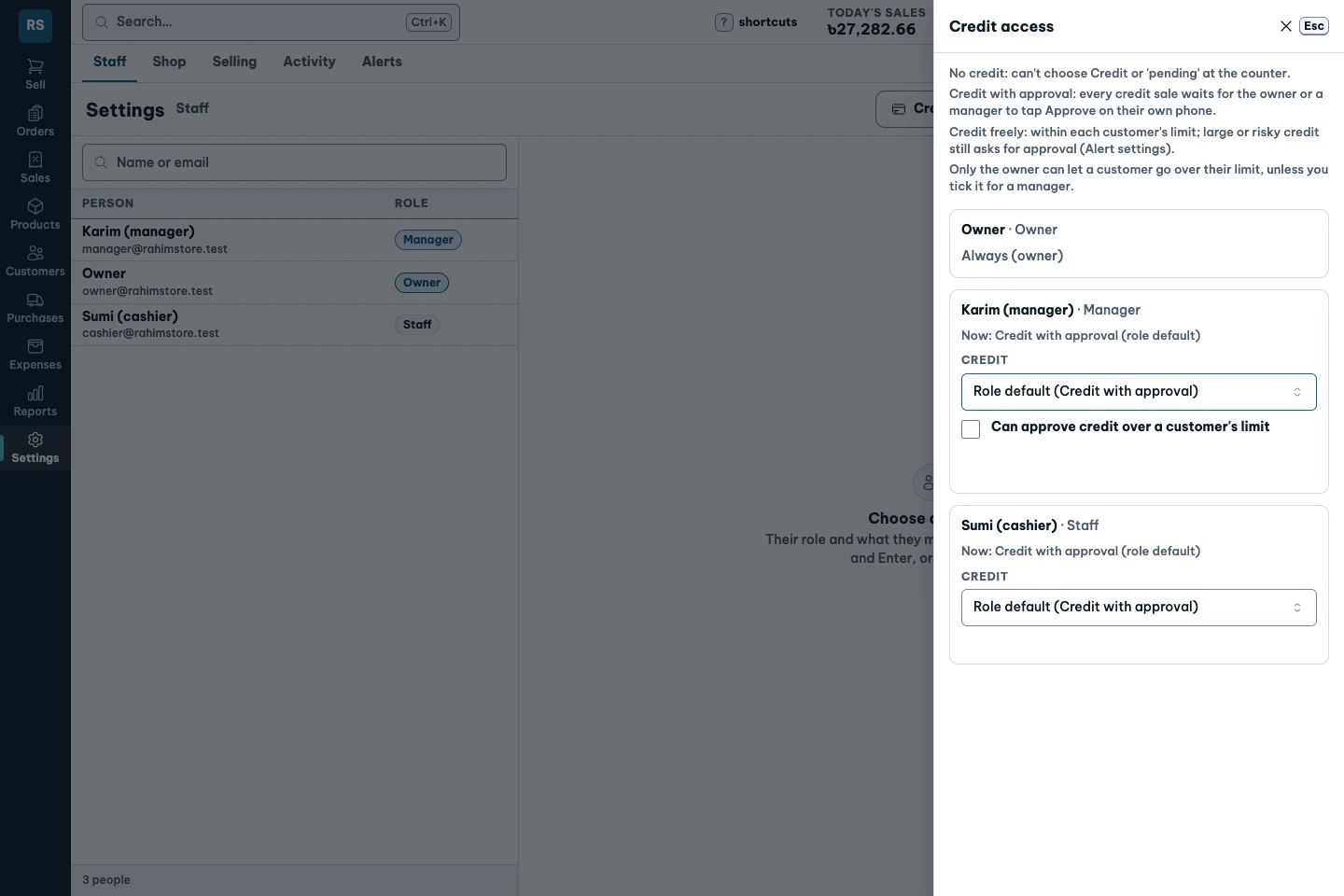
Customer deposits
Money left in advance is not an unpaid sale.
- Hold an advance for goods the customer will collect later.
- Use the deposit, refund it or retain the amount as credit.
- See money held separately from what the customer owes.
Keep what they left with you separate from what they owe.
Packed. Then checked.
A regular customer sends a list. Every weight matters.
- Create an order for a named customer or repeat their last order.
- One person packs; another checks. Staff cannot check their own lines.
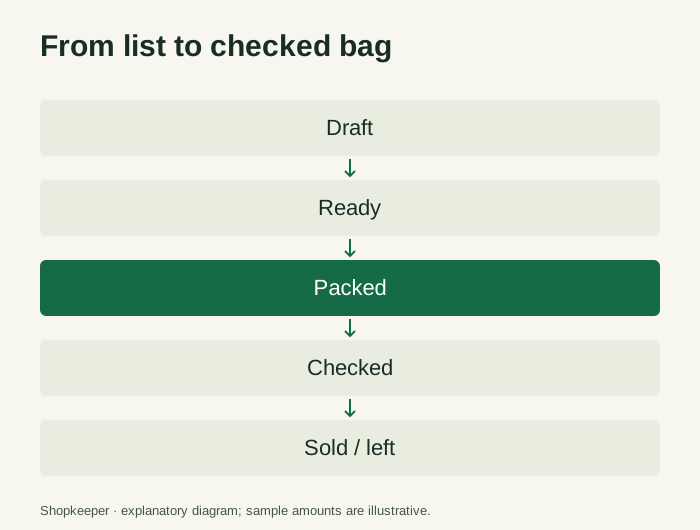
- Sell checked quantities, keep the rest as left, and record expected dates.
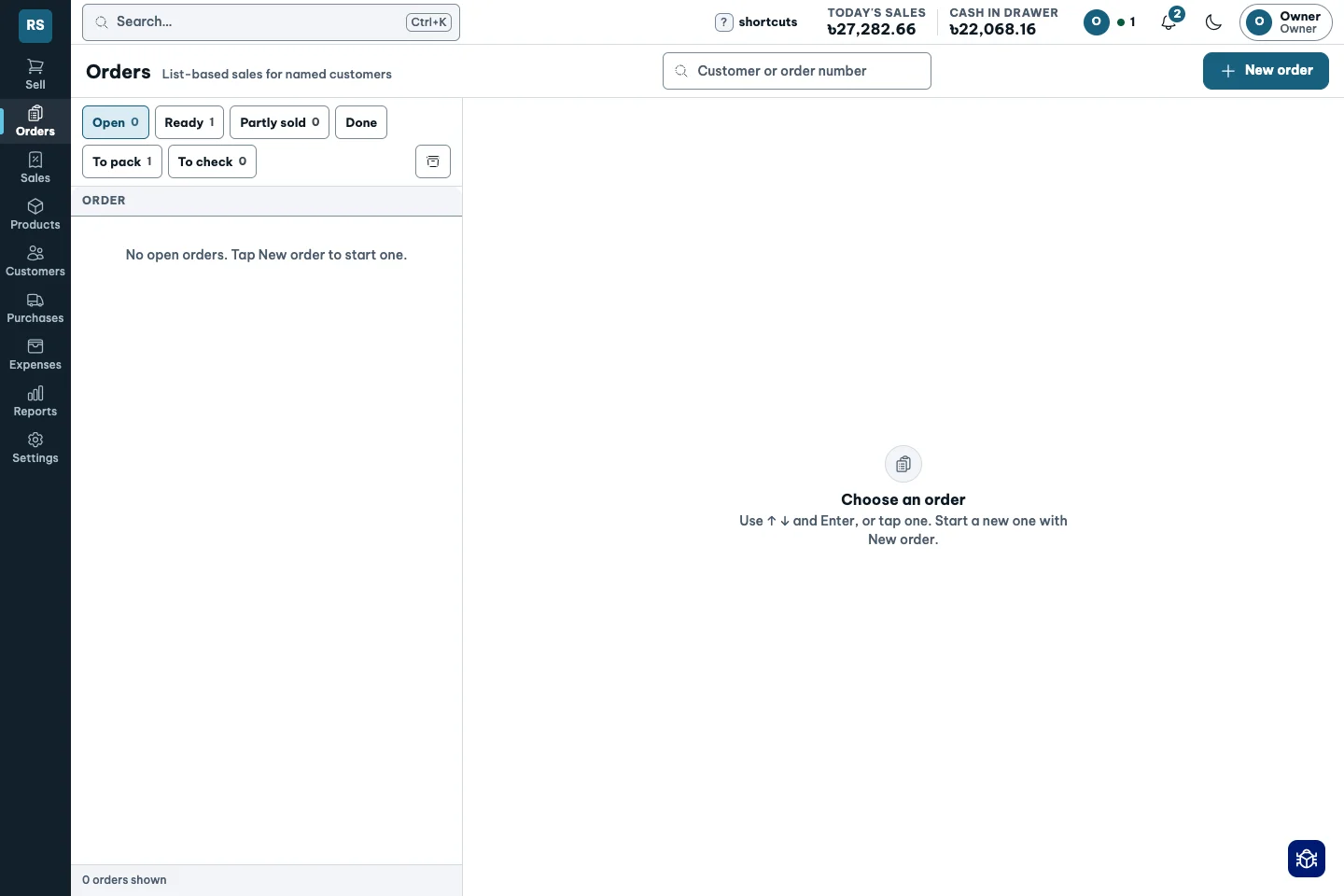
Two pairs of eyes before the bag leaves the counter.
From list to checked bag.
Returns without erasing
A returned item should unwind the original figures.
- Return part of a sale or void a same-day sale.
- Refund to cash or bKash, or keep the amount as customer credit.
- Reverse the original profit and tax, keeping the original entry visible.
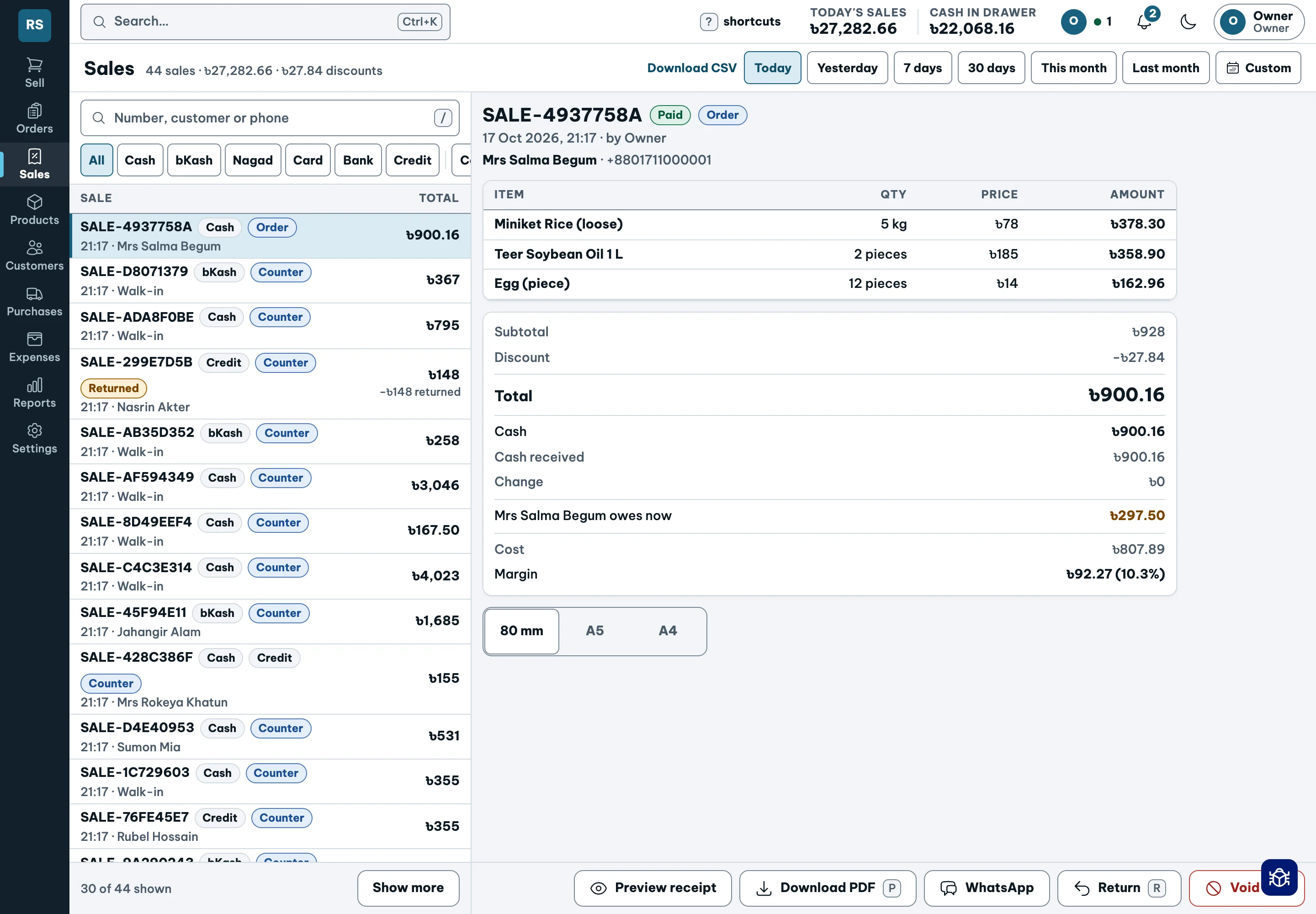
Correct the record. Keep the history.
Buying at the real cost
The deal on the invoice belongs in the cost.
- Receive partial orders, buy by the sack and record 10 cartons plus 1 free.
- Spread freight and supplier discounts across the received goods.
- Use sales rate and fast-moving stock signals to plan reorders before goods run out.
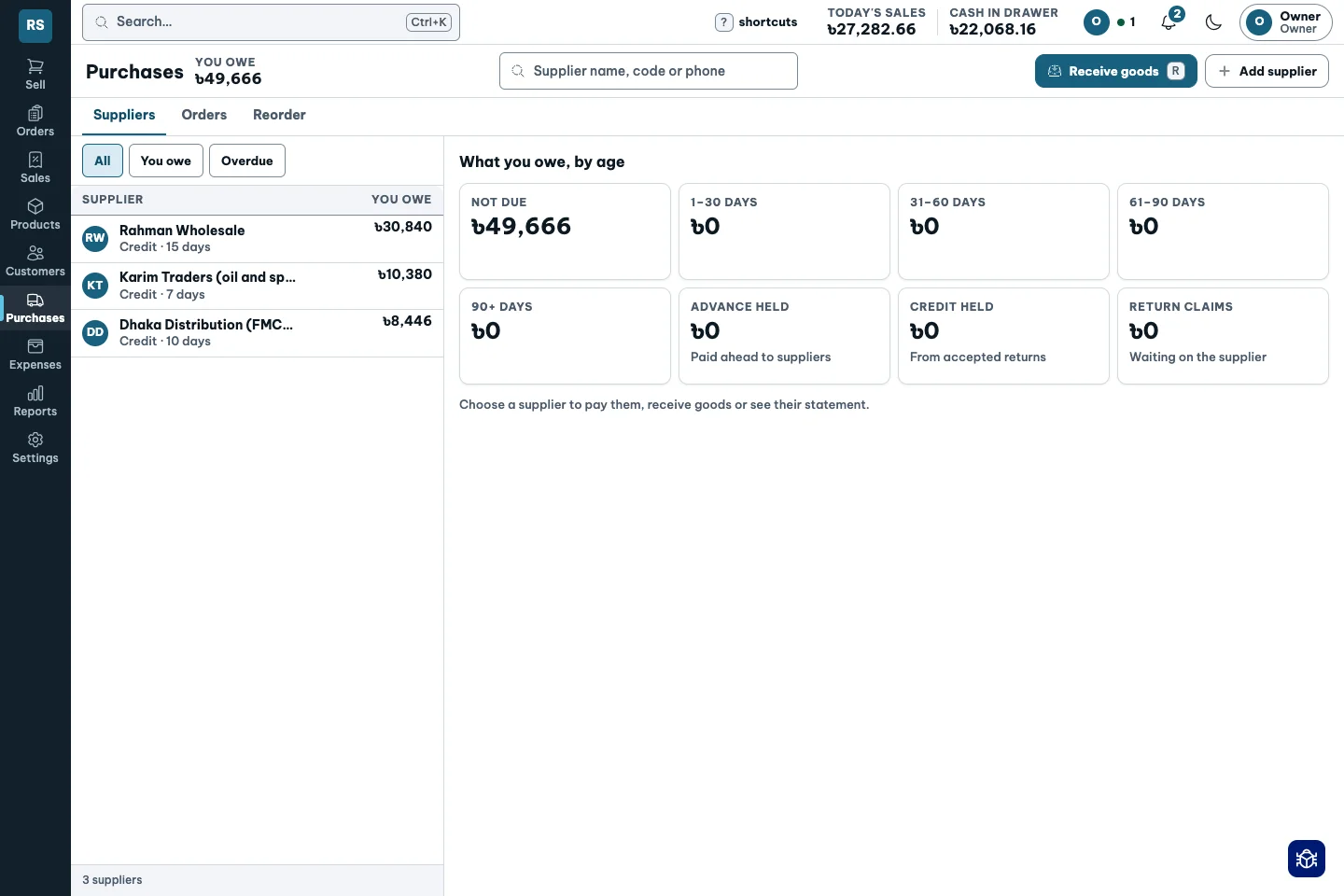
Eleven cartons on the shelf. Still only ten to pay for.
10 + 1 free.
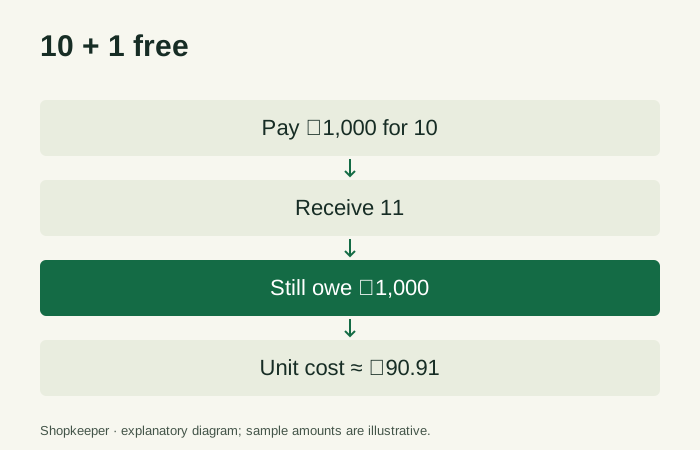
Prices that follow cost
The oil price went up. Yours stayed the same.
- Set a target margin for the shop or an individual product.
- After a delivery, see products below target and suggested prices.
- Round to a whole taka or ৳5. Apply or keep the price yourself.
It tells you when a price needs a look. Never changes it for you.
Their usual brand
The right item is not always the right brand.
- Organise products as Item → Brand → Pack.
- Search puts in-stock products and a customer’s usual brand first.
- Offer an in-stock alternative with the price difference clearly shown.
The label never hides what is on the shelf.
Slow sellers and long-held stock
Unsold stock is money tied up.
- See sales rate, days of stock remaining and how long goods have gone unsold.
- Review stock value tied up at average cost, visible only with the appropriate permission.
- Use adjustable slow-stock limits to review purchases; the default unsold threshold is 30 days.
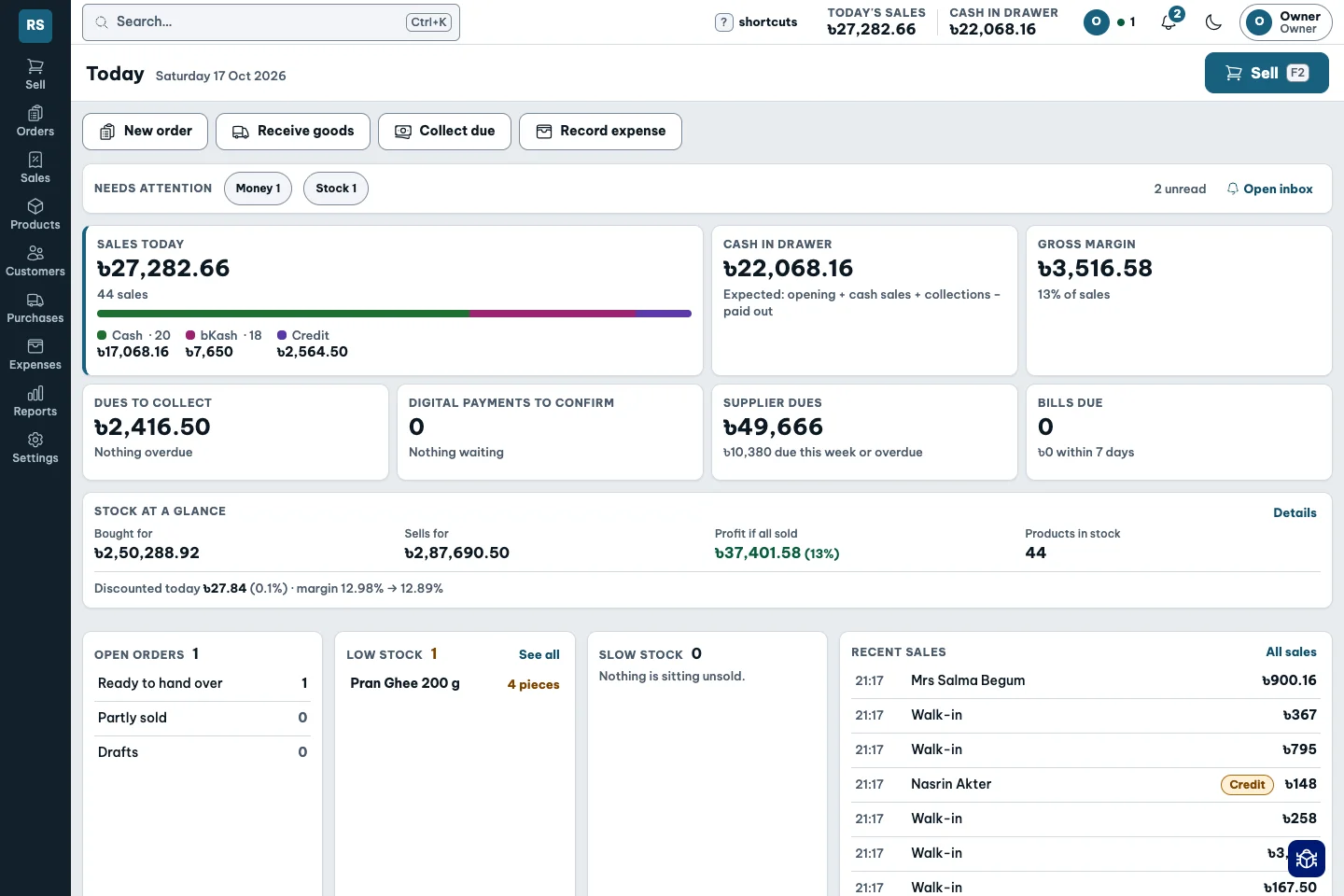
A prompt to review stock, not a promise that it will sell.
Remember what was missing
A customer asks for something you do not stock.
- Record the item they asked for.
- Keep missed requests together instead of relying on memory.
- Use the log when reviewing what the shop should carry.
A missed sale can still inform the next order.
Know the real profit
Sales are visible. The cost behind them is not.
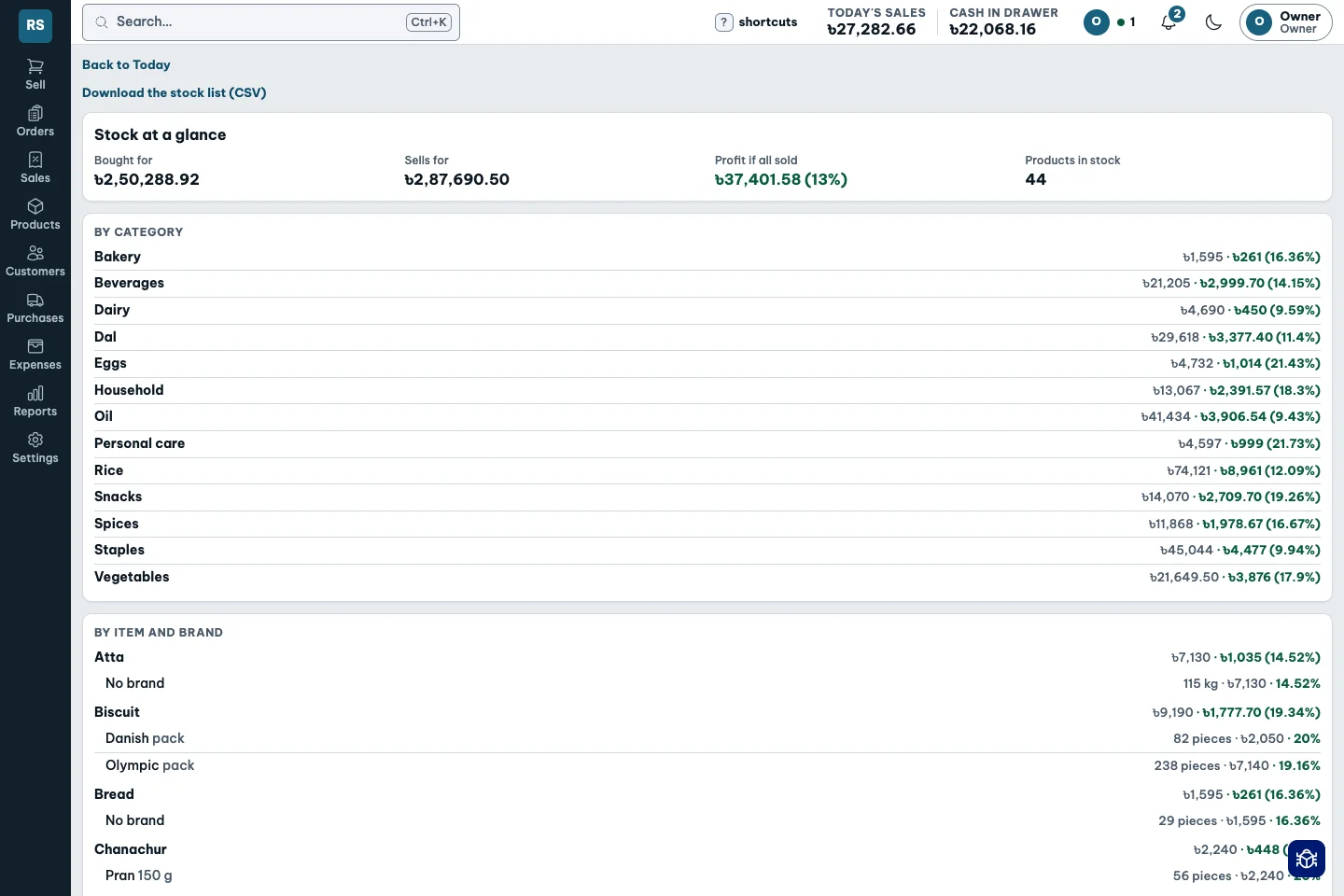
- Every delivery updates the average cost of what is on the shelf.
- See margin per sale, product and brand. Staff permissions hide cost and profit.
- Read profit and loss, export CSV, and trace the figures back to the ledger.
A petrol gauge for the real tank, not the one you remember.
Owner sees the cost.
Cashier sees their work.
Every taka has a place
The drawer, wallet and bank are different accounts.
- Track cash, bank, bKash, Nagad and card separately.
- Count against the books. Blind counts hide the expected amount until entered.
- Record transfers, fees, owner money and differences with reasons; close a reconciled day.
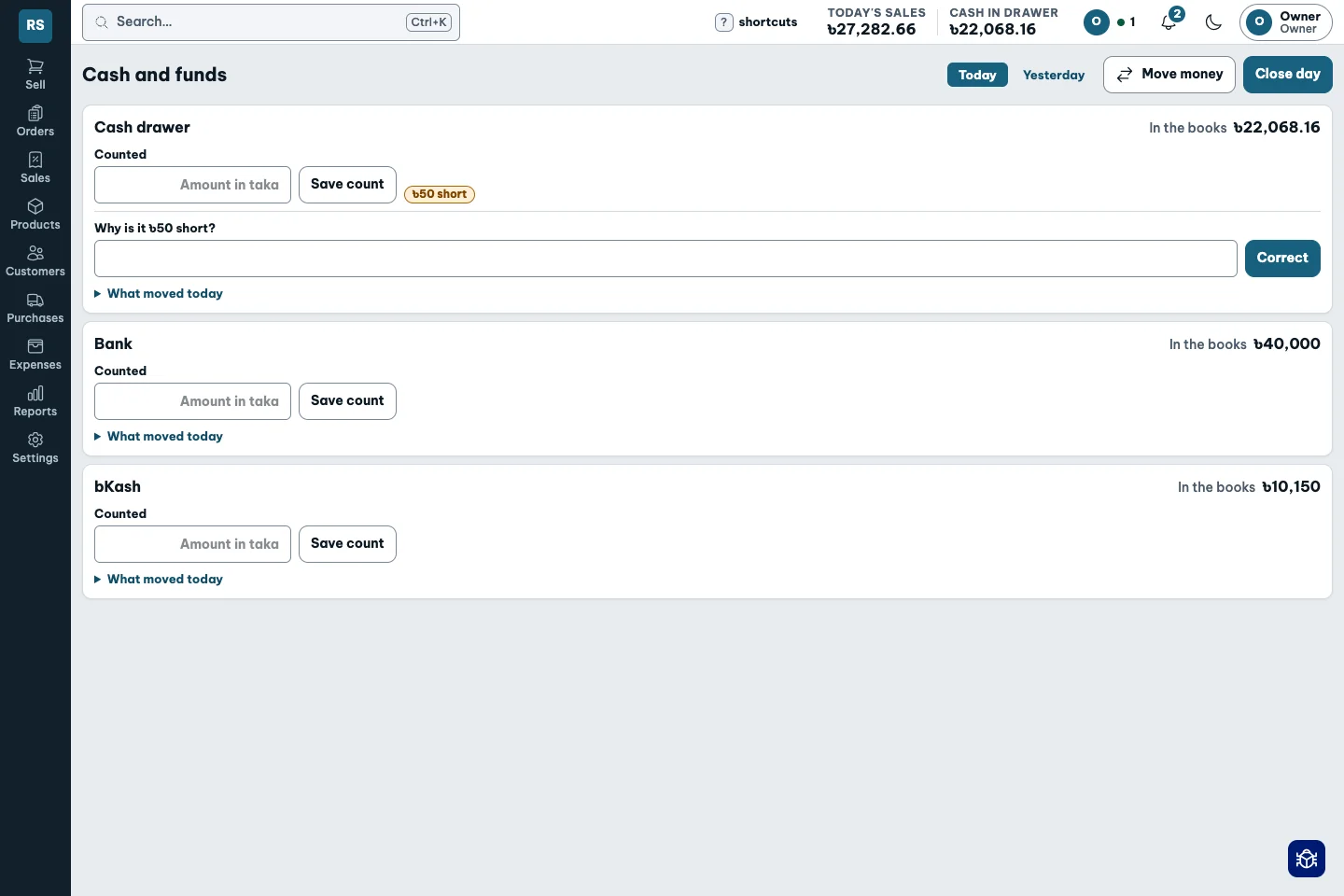
The drawer with a witness.
Expenses and salaries
A bill, an approval and a payment are different steps.
- Create vouchers, approve them and record their payment.
- Review recurring bills and salaries before paying.
- Track advances, recovery and the expense report.
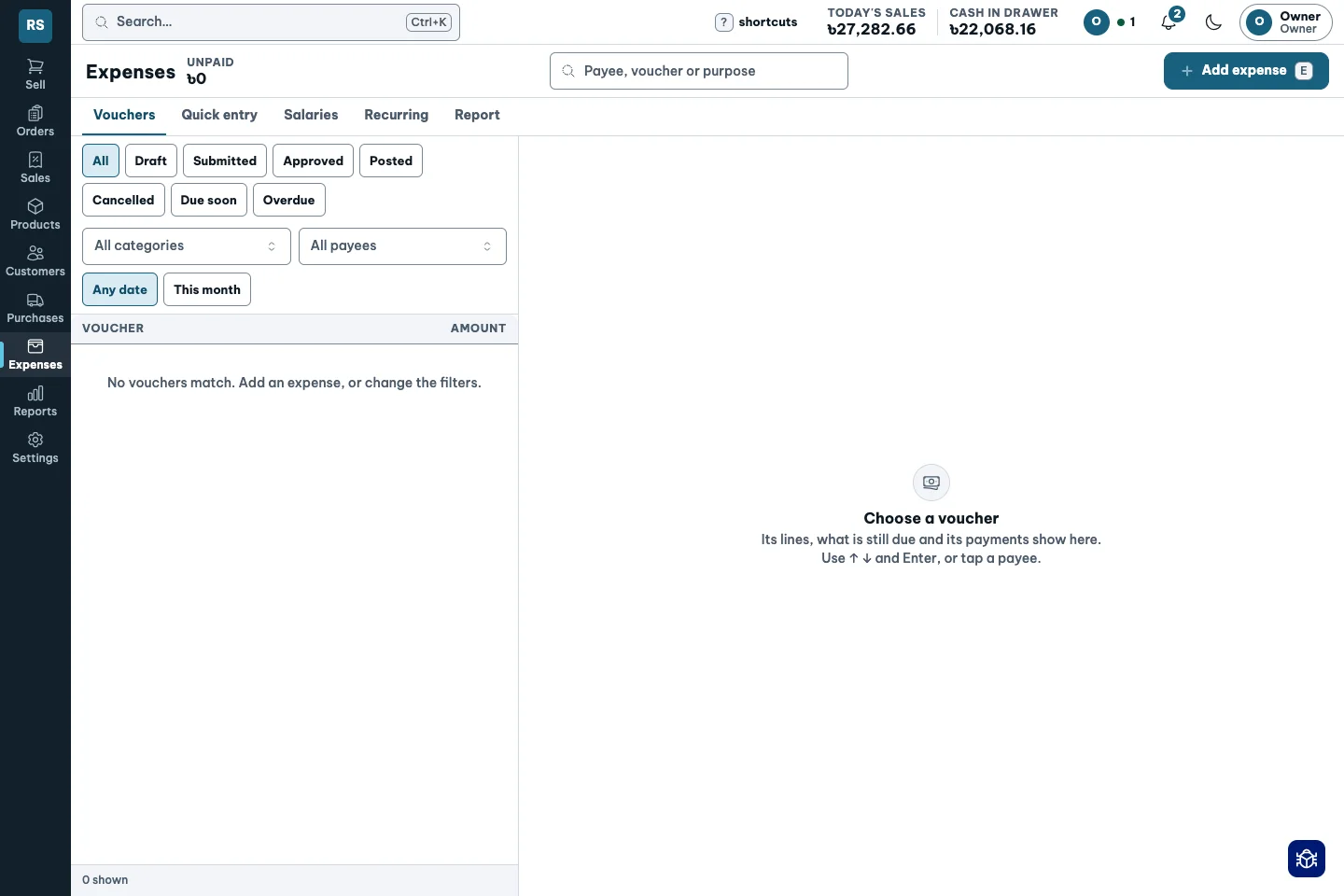
A clear path from what is due to what is paid.
Business reserve
Money set aside is not money earned.
- Review the reserve screen separately from shop profit.
- See the dues-cover figure alongside your reserve decisions.
- Reserve wording and the available pots are being reviewed with owners.
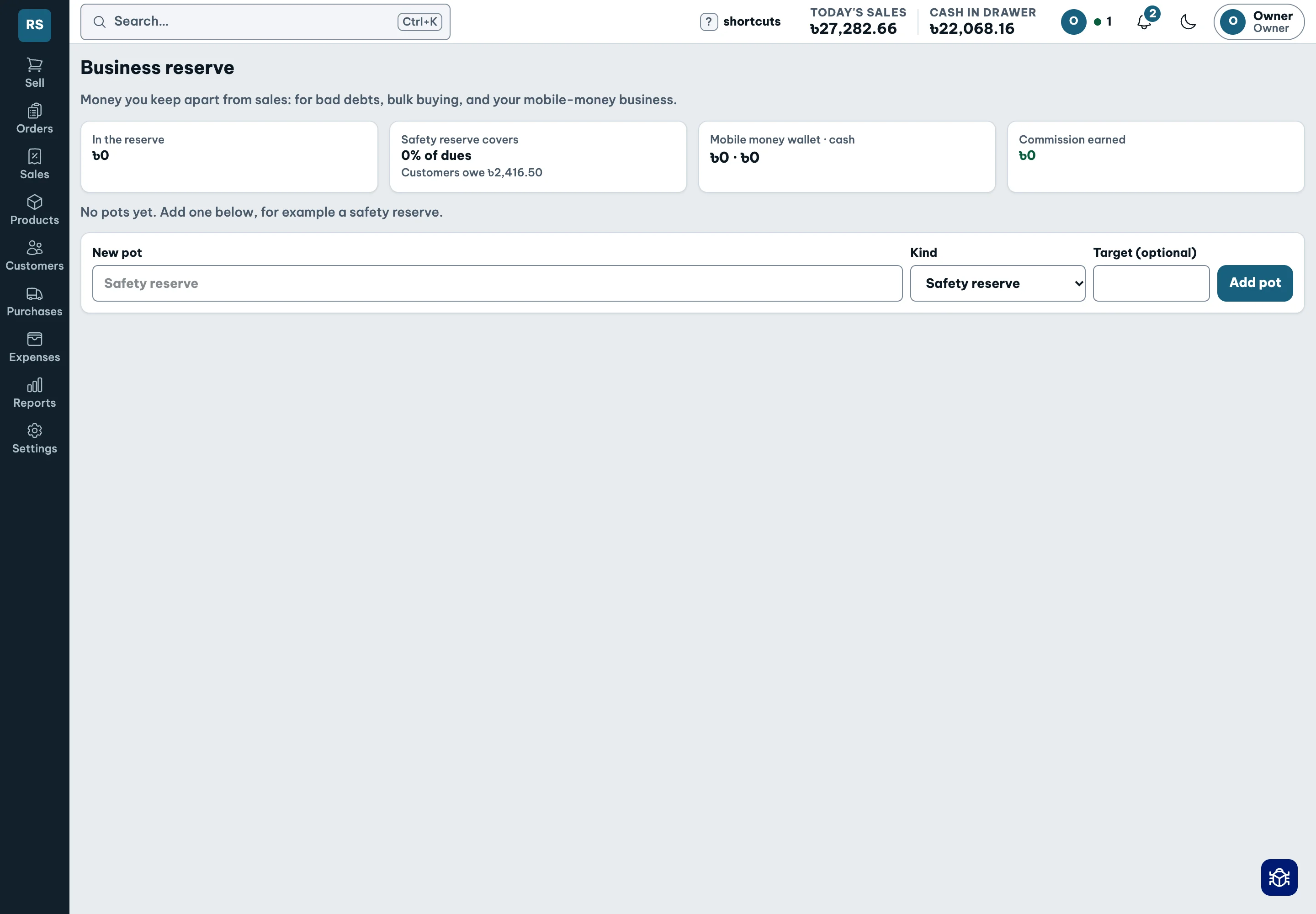
Kept apart from shop profit. Never a guarantee.
Morning and evening summary
Start and finish with a clear view of the shop.
- Read sales, product profit, dues and cash together.
- Use the morning view to see the work ahead.
- Read the evening summary after the day’s selling.
Built; real-device checks and owner wording review remain.
The right access
Counter staff need the sale, not your cost price.
- Choose owner, manager and staff roles with plain-language extras.
- Staff see their own sales, with cost and profit hidden.
- Every permission change is recorded with a name and time.
Give each person the work they need to do.
One inbox for decisions
The owner cannot stand at every counter.
- Get approval requests, low-stock and overdue-customer alerts in one inbox.
- See late deliveries, slow stock and books-versus-records mismatches.
- Approve remotely, mark alerts done or snooze them; see who is online.
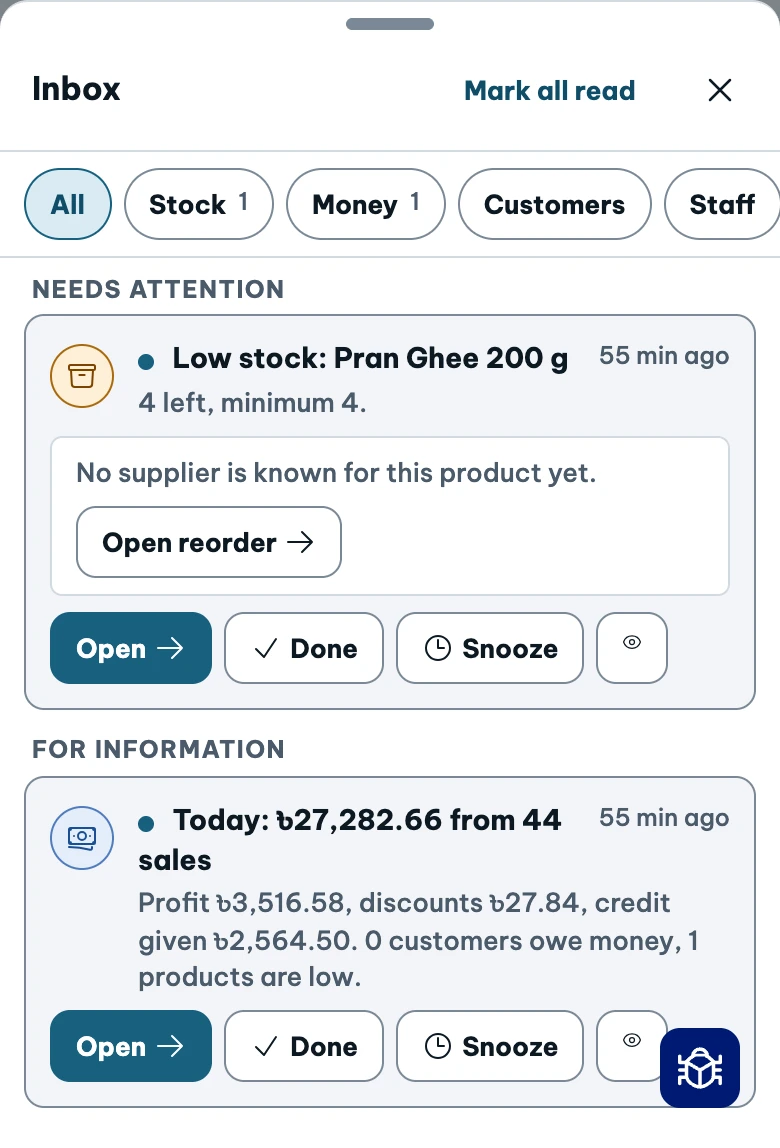
The next decision, where you can find it.
Trust in the record
You should be able to follow every taka back to its entry.
- Money is stored as exact integer poisha in a double-entry ledger.
- Posted history is never edited. Corrections create new visible entries, with an audit trail.
- Retrying a request never double-posts a sale.
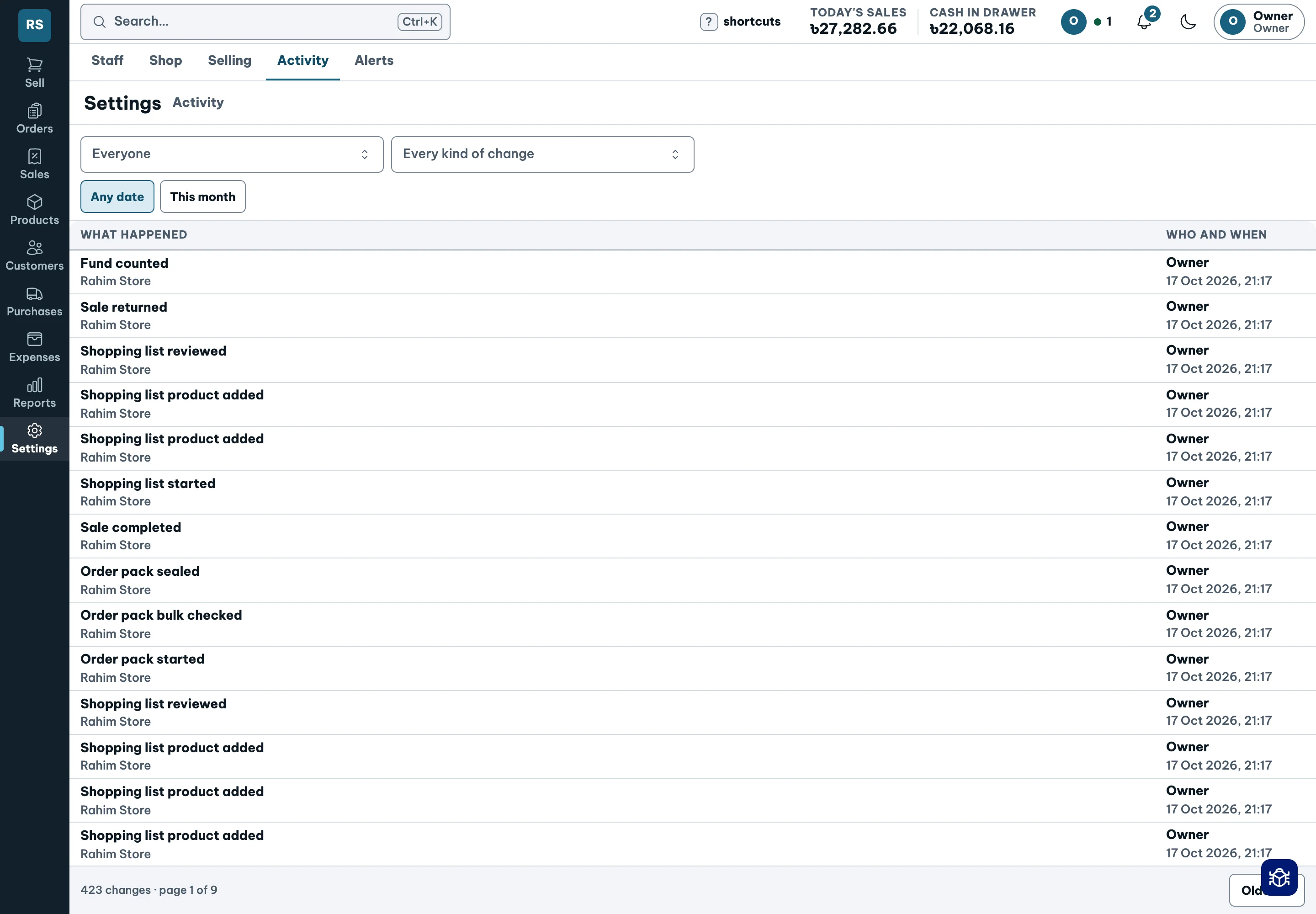
Nothing erased. Every correction visible.
Preview before you switch
Your existing product list should not need retyping.
- Import products first, then customers.
- Review the preview before confirming anything.
- Use a go-live checklist and run alongside your existing process for a week.
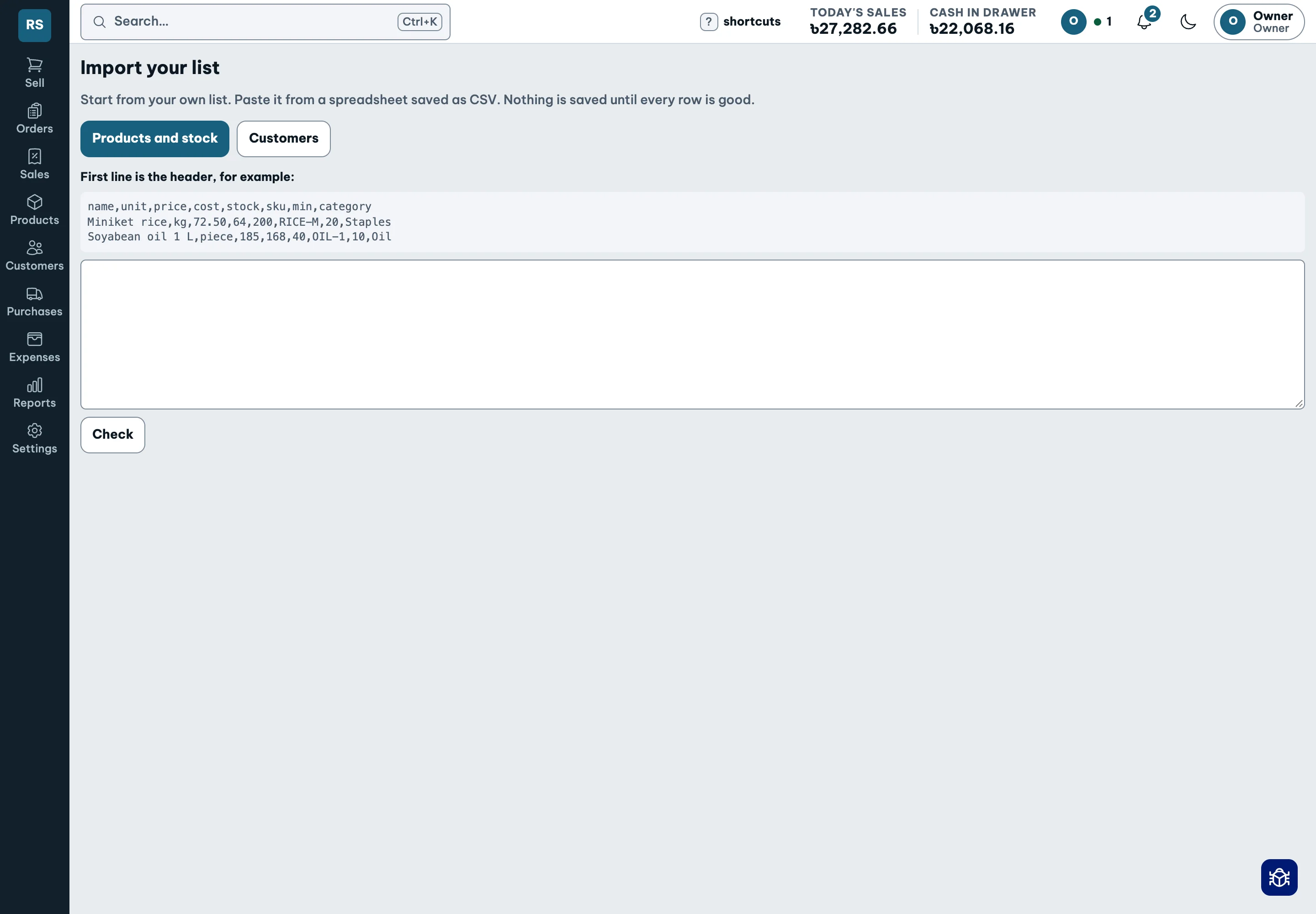
Nothing posts until you confirm. No setup-time promise.